


Calculators:
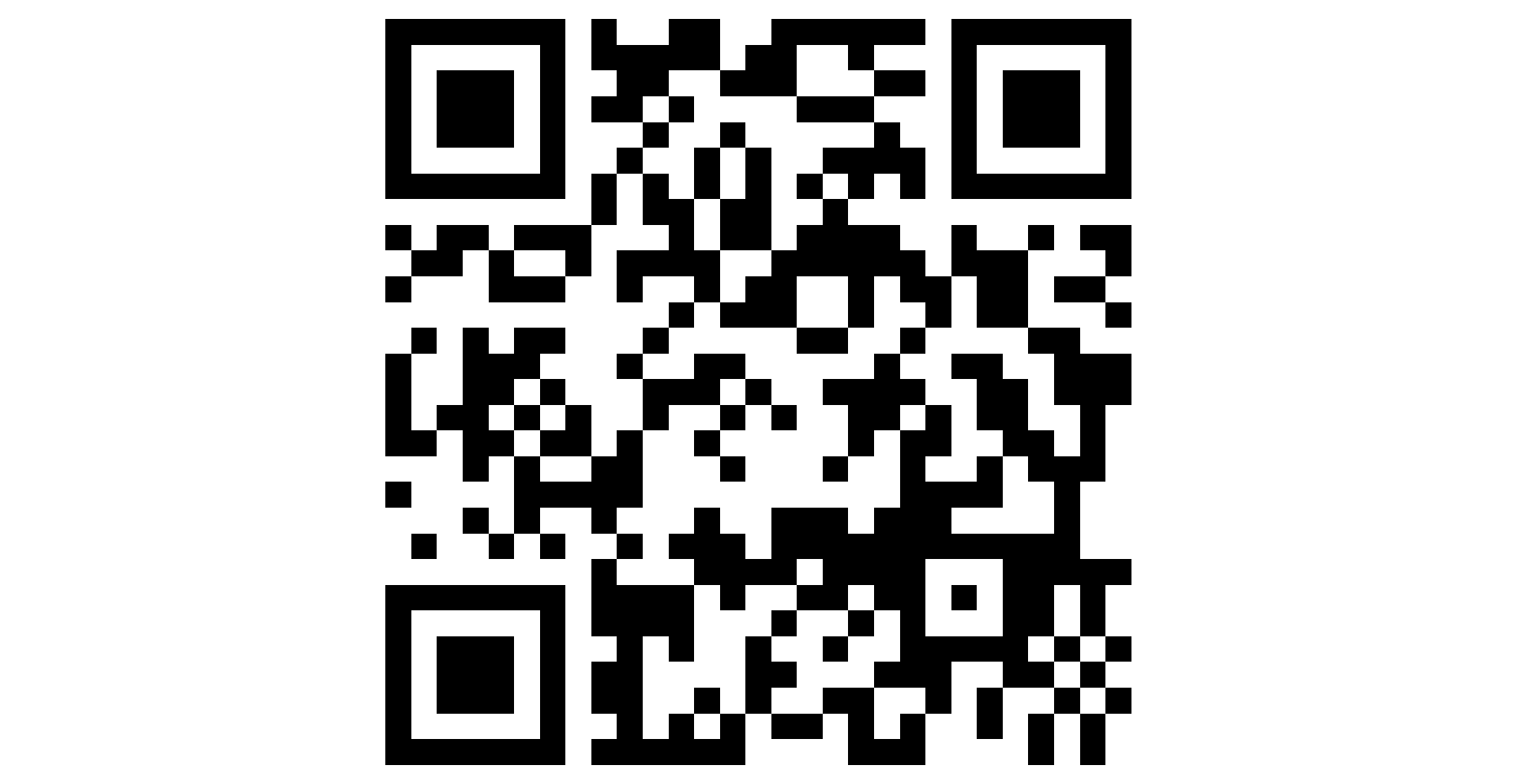
QR Code on Screen
People use QR Code on Screen for:
Display a Large QR Code Fullscreen
Turn any browser tab into a big, scannable QR on screen. Paste a URL or text, optional caption underneath, then go fullscreen on a TV, projector, or second monitor — built for distance reading, not tiny printouts.
Big QR for Presentations and Talks
Keep presentation QR code visible on the hall screen while you speak. Audience members scan from their seats instead of squinting at a small slide. Update the link anytime; the display refreshes instantly.
Event and Conference Screens
Use qr code for events workflows: registration links, schedules, maps, or survey URLs on a monitor at the door. A short caption tells visitors what they are scanning before they raise their phone.
Restaurant Menu or Cafe Display
Show your menu URL as a qr code on screen at the counter or on a tablet. No reprinting when prices change — edit the link, and the same fullscreen view updates for the next service.
QR Code with Text Below
Add a caption under the code — Wi-Fi name, table number, speaker name, or call to action. The label scales for fullscreen so people know what to scan without asking staff.
Classroom and Training Rooms
Teachers display a qr code for classroom activities: Kahoot alternatives, handouts, or homework links on the projector. Students scan once from their desks instead of typing long URLs.
Lobby, Retail, and Digital Signage
Repurpose an old monitor as a qr code display for hours, promos, or contactless info. Works in the browser like a lightweight signage screen — no app install on the TV.
See what QR Code actually looks like